Choose from our wide range of
frames and lenses


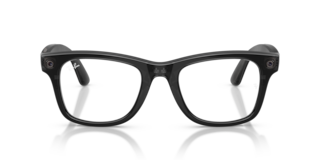
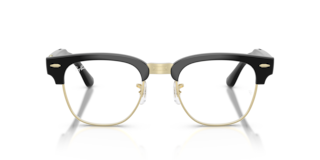
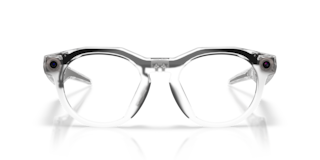
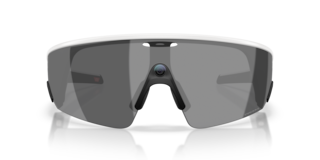











RAY-BAN META (GEN3)
Scroll to discover
Discover the new Ray-Ban Meta (Gen 3)
Two iconic frames have joined the Ray-Ban Meta collection. Aviator brings a timeless silhouette into the future, while Zena offers a bold new style. Best paired with Transitions® lenses.
Feature highlights
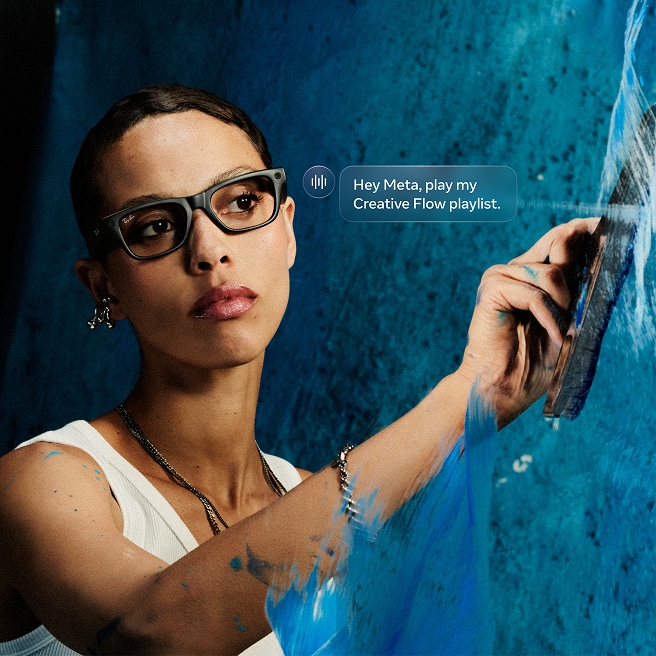
Meta AI
Let Meta AI handle the details.
Meta AI is your on-the-go assistant that has your back throughout the day. When you're out
shopping, you can look at a product and ask Meta AI to compare prices, find deals and
surface reviews without ever reaching for your phone. On vacation, you can pause to ask
about a landmark for instant context. Meta AI remembers your preferences and better tailors
your recommendations over time. From quick answers to deep insights, you’re always just an
ask away.
Some features are only available in the US and for adults 18+.
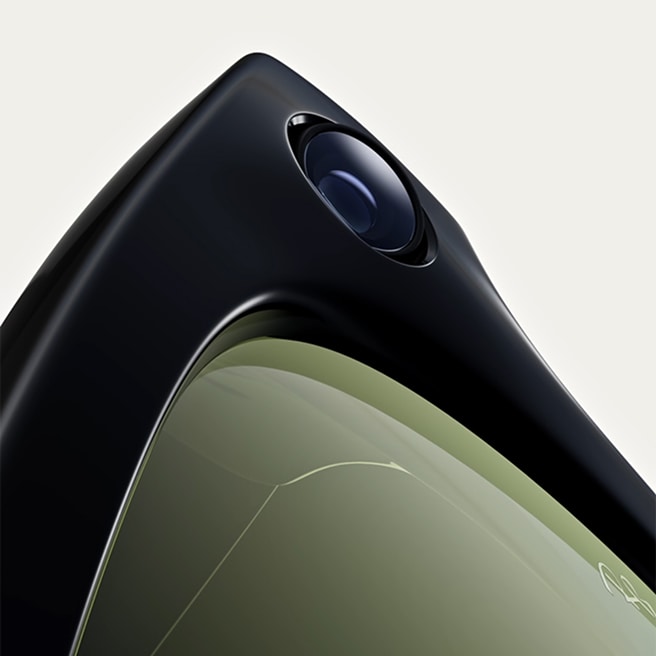
Capture
Capture,
connect and create,
hands-free.
Stay in the moment without taking yourself out of it. Dynamic photo automatically captures
multiple frames and recommends the best one to help you choose your favorite. Meta AI can
even record moments and create stunning highlight videos. Just say “Hey Meta, start
autocapture” during a concert, exploring a new city or hanging out with friends.
Live Translation
Translate conversations in other languages in real-time
With live translation, seamlessly explore new countries or connect with people who speak
different languages. Converse in real-time between French, Italian, Spanish, English,
Portuguese, German and more. Translations are audible through your glasses and visible as
transcript on the Meta AI app, helping you connect effortlessly.
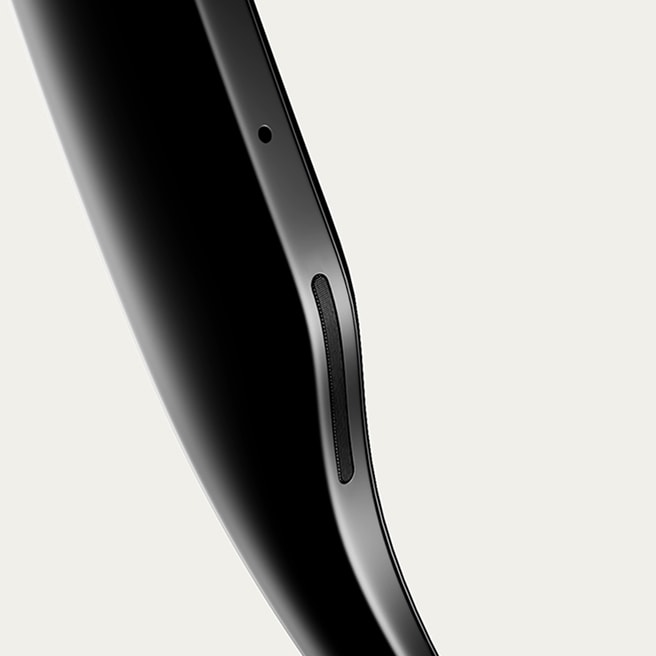
Listen
Tune in without tuning out
Connect Spotify, Apple Music and Audible to your glasses and say “Hey Meta” to play what you
love, hands-free. Discreet open-ear speakers deliver rich sound only you can hear, while 5
microphones capture clear calls. Enjoy music that fits your moment while staying aware of
conversations and your environment—perfect for life on the move.

Hands-free Comms
Effortlessly connect hands-free
Send text or voice messages, make phone calls and take video calls hands-free, all from your
AI Glasses. It's perfect for listening to your favorite playlist on your commute, sending a
quick text, or making a call when your hands are full the next time you're cooking and need
to ask for help with a family recipe.
Best Paired with
TRANSITIONS® Lenses
Experience ultimate freedom of movement and self-expression with Transitions® dynamic lenses with Ray-Ban Meta. They seamlessly adapt to changing light, darkening outdoors when exposed to UV and fading back indoors. Feel confident in your AI Glasses in any light with continuous vision performance and style.
Controls & Choices

Iconic styles, redefined
with Meta AI
Two iconic frames have joined the Ray-Ban Meta collection. Aviator brings a timeless silhouette into the future and Zena offers a bold new cat eye style.

Ask Meta AI
Never miss a beat. Get the info you need in the moment, right from your glasses with voice-activated AI.
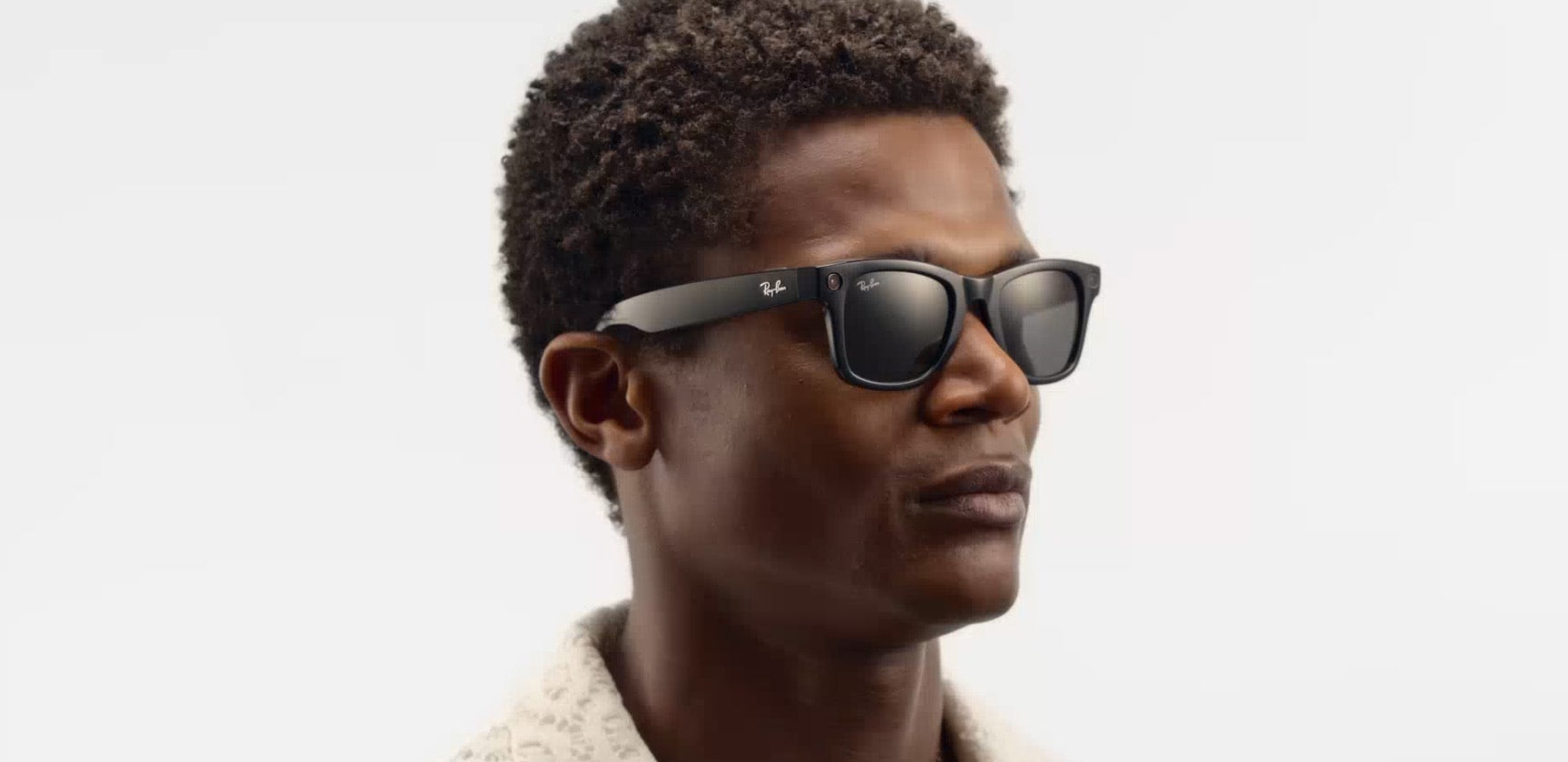
Touch control
Play your music, activate the camera, or connect with someone – all in a single touch with the hyper-responsive touchpad and capture button.
Companion app
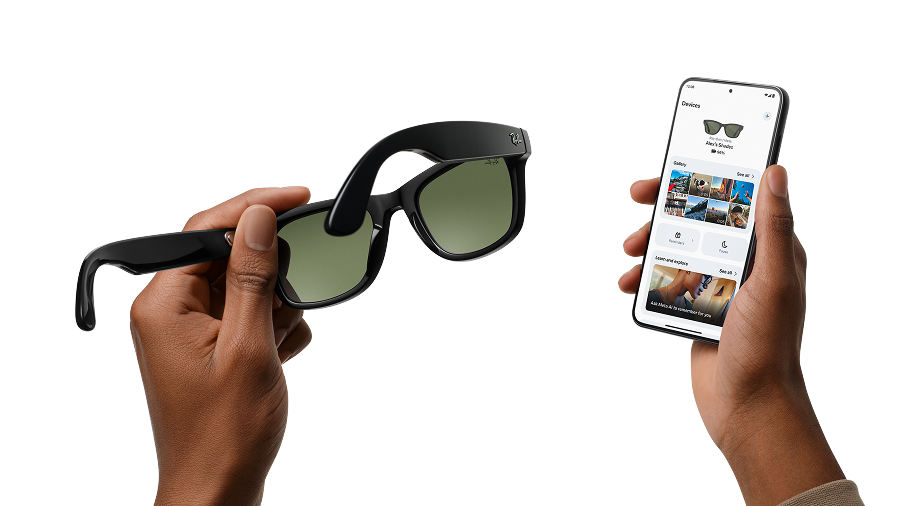
The Meta View app enhances the experience of your glasses. Pair multiple glasses to your phone, discover key features via a new Home tab, and easily share content with friends.
Meta account required.


Get support
STILL GOT QUESTIONS?
We’ve got the answers!
To pair your glasses, open the Meta View app and make sure you're logged in to your Meta account. If you already have glasses paired to the Meta View app, go to Settings and tap the "Add Device" button on the top right. Then:
- 1. Select either Ray-Ban Stories or Ray-Ban Meta and proceed until you reach bluetooth pairing (bluetooth permissions must be granted) stage.
- 2. Make sure your glasses are turned on and placed in the case.
- 3. Press and hold the pairing button on the back of the case for 5 or more seconds. Release when the case LED pulses a blue light.
- 4. Your glasses should automatically appear in the app when they're ready to pair."
You can choose standard shipping or you can collect in store at one of our partner locations.
To operate Ray-Ban Meta AI Glasses you need to connect your glasses with a smartphone and the Meta View app. Here’s the complete checklist:
- - Smart phone with a recently released operating system: Android 10 and above (with location services enabled) or iOS 14.4 and above. See complete list of supported phones here
- - Wireless internet access
- - USB-C charging plug (if charging from a power outlet and not directly from a USB point)
- - A valid Meta account
- - Meta View app (downloadable from your App store here or by scanning this QR code)
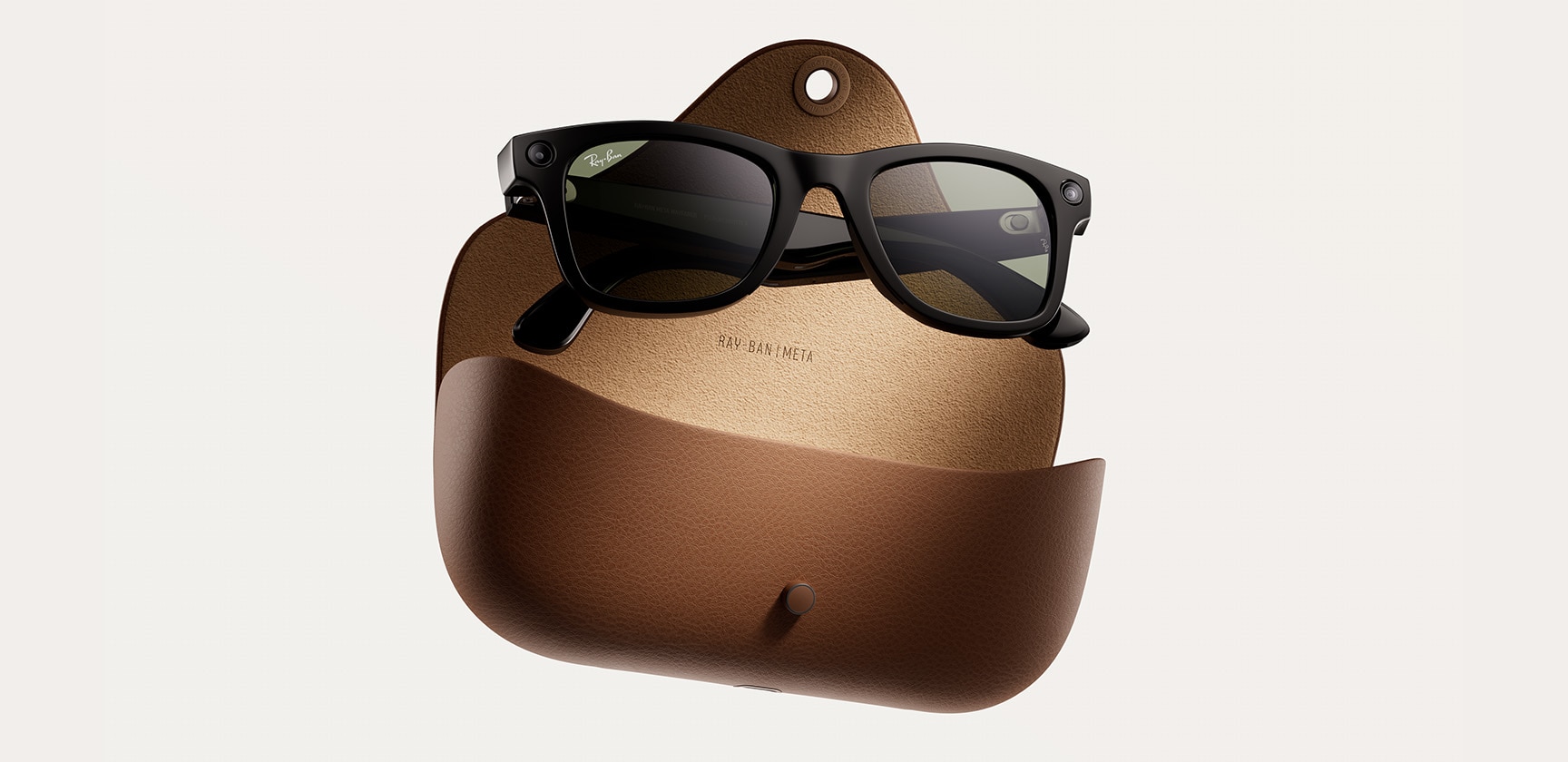
Your Ray-Ban Meta AI Glasses come with the following accessories and user manuals:
- - Charging case
- - Quick Start Guide
- - Safety & Warranty Guide (also downloadable here)
- - Instructions for ordering Prescription lenses
- - Cleaning cloth
WHEN YOU FIRST UNBOX YOUR RAY-BAN AI GLASSES:
- 1. Remove the plastic tab between the case and the glasses
- 2. Make sure your glasses are redocked inside the case
- 3. Wait until the LED light starts flashing blue
- 4. Your device is now ready to pair
MANUALLY:
- 1. Place your glasses inside the case
- 2. Press and hold the button on the back of the case for at least 5 seconds
- 3. Wait until the LED light starts flashing blue
- 4. Your device is now ready to pair
PAIRING YOUR AI GLASSES WITH YOUR PHONE:
- 1. Download the Meta View app from your app store and log in using your Meta account.
- 2. Turn on the Bluetooth setting on your phone.
- 3a. Start by turning on your glasses. Slide and hold the power switch towards the lens until the notification LED starts blinking white, then release it. The notification LED blinks white while your glasses turn on, which can take up to a minute. When the notification LED turns solid green, you're ready to continue. (If you can’t complete this step, continue to 3b, otherwise move on to step 4).
- 3b. Your glasses need to be fully charged before pairing. If you need to charge your glasses, place them inside the charging case and connect the case to a power source before moving on to step 4.
- 4. Put your glasses into Bluetooth pairing mode. Fold both arms and hold the capture button on top of the frames down for 12 secs until the LED on the inside of the frames starts blinking blue. Your glasses will appear in the app when they're in pairing mode, which can take up to 10 seconds.
- 5. Continue following the instructions in the Meta View app to finish setting up your glasses.
- 6. Enjoy exploring your world in a new way with the Ray-Ban Meta collection.
For illustrated set up instructions, please refer to the Meta View app.