Choose from our wide range of
frames and lenses












MEET THE NEW AI GLASSES
Scroll to discover
Discover the new
Ray-Ban Meta (Gen 2)
Choose from the iconic Ray-Ban Meta Wayfarer, Ray-Ban
Meta Headliner,
and Ray-Ban Meta Skyler in a range of colors.
Also available with prescription. Best
paired with Transitions® lenses.
Feature highlights
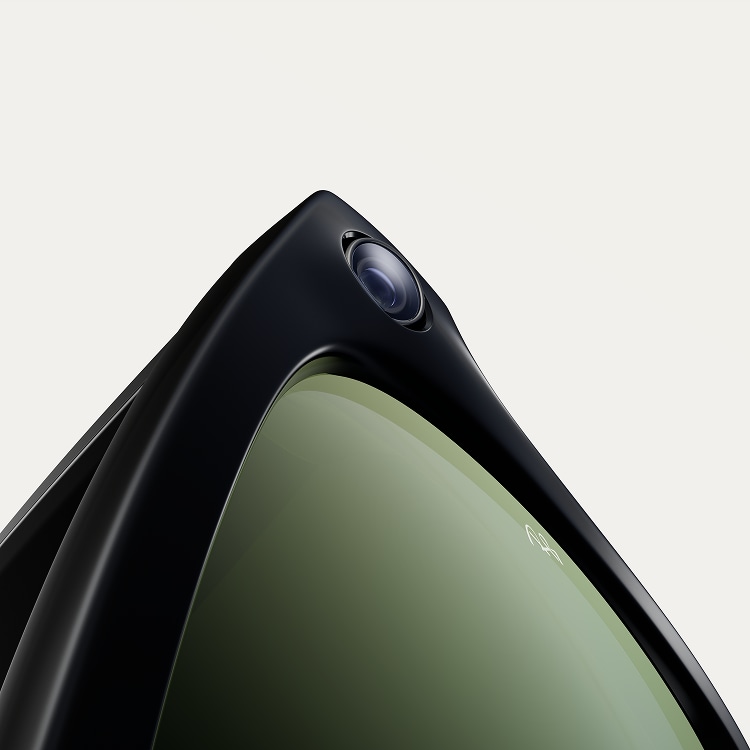
Capture
Built in HD camera
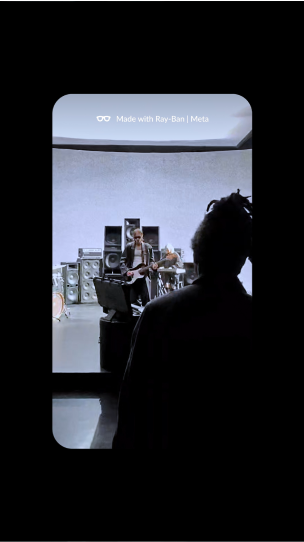
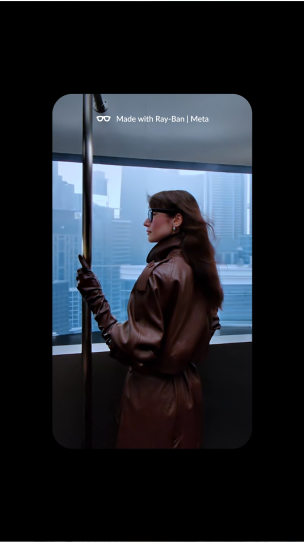
Capture what you see, exactly how you see it.
Ultra-Wide 12 MP
lens
Take panoramic, high-quality photos and videos with the ultra-wide 12 megapixel lens.
Five-mic array
Take audio-rich, immersive videos thanks to the five-mic audio system.
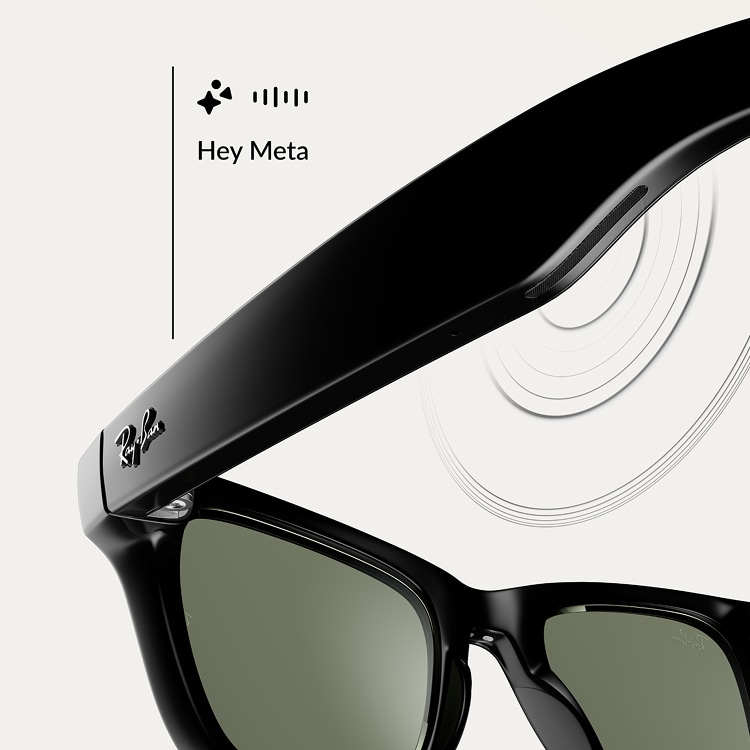
Ask
Meta AI
Never miss a beat. Get the info you need in the moment, right from your glasses with
voice-activated AI.
Image Analysis
Ask to take a photo and Meta AI will tell you what you’re looking at,
whether you’re curious about a landmark in a new city or need to translate a sign in a
different language.
Image Captioning
Want a clever caption to go with your latest capture? Ask Meta AI to generate one for you.
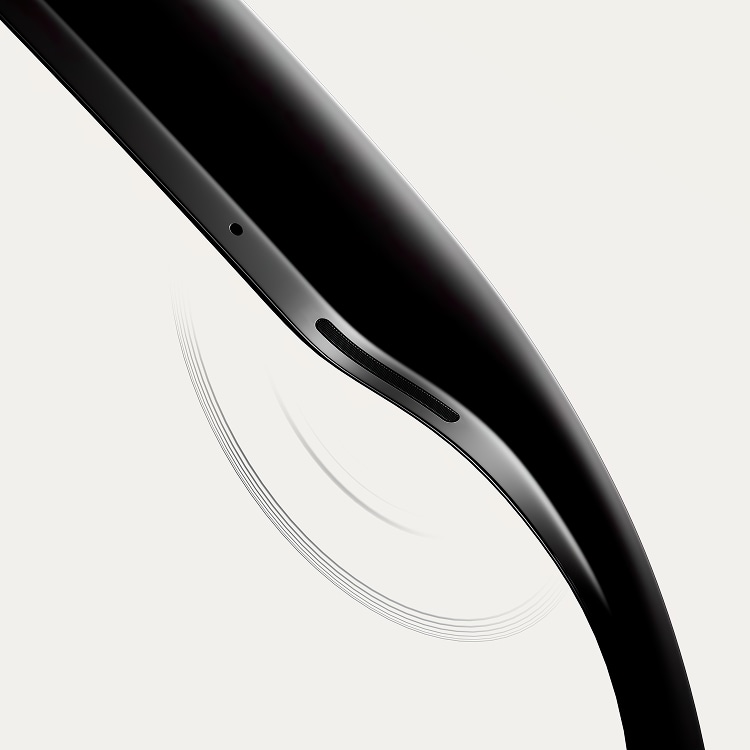
Listen
Open-ear audio
Listen to music and calls without disconnecting from what’s around you.
Pro speakers
Hear your favorite tracks with extended bass and higher maximum volume. Catch every word
with better clarity on calls.
Discreet directional sound
Whatever you’re listening to is for your ears only.
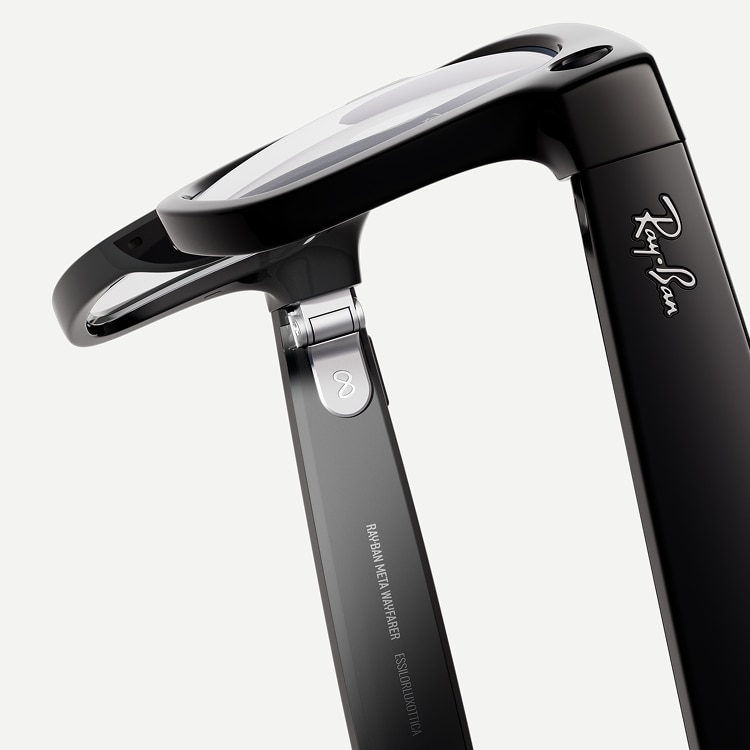
Call
Calling & Messaging
No more stopping to answer your phone. Make calls and send messages with voice command.
Hands-free communication
Stay in touch more easily. Call and message on Whatsapp, Messenger and SMS, simply by using
voice commands.
Immersive video calling
Feel like you’re in the same place with WhatsApp or Facebook Messenger video calls.
Toggle between your phone’s camera to speak face-to-face or double tap your frames to share
your view.


Controls & Choices
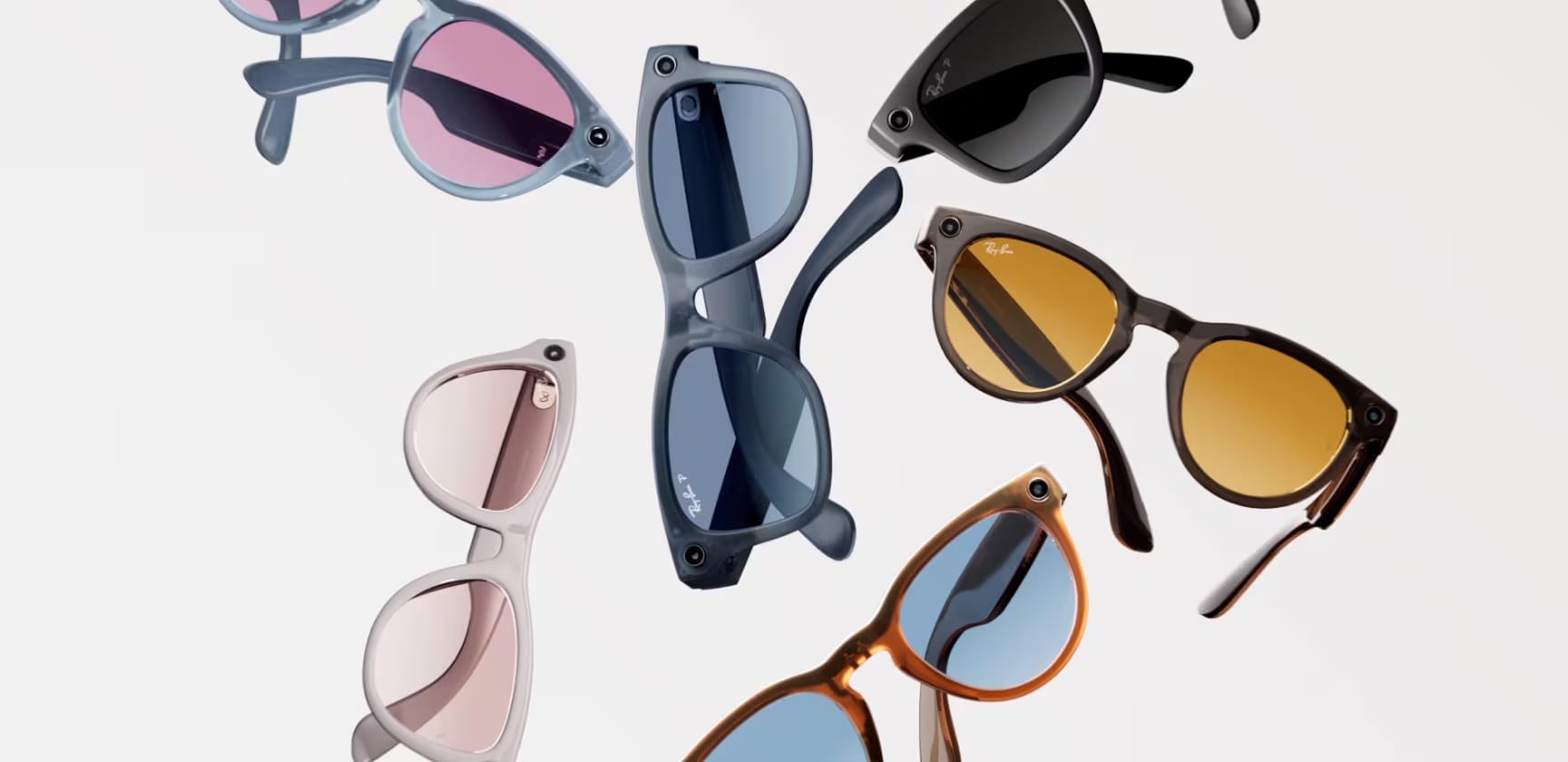
Over 100 combinations
Over 100 combinations: Create your own custom
frame and lens combination with Remix,
or choose from our selection of timeless
colorways.
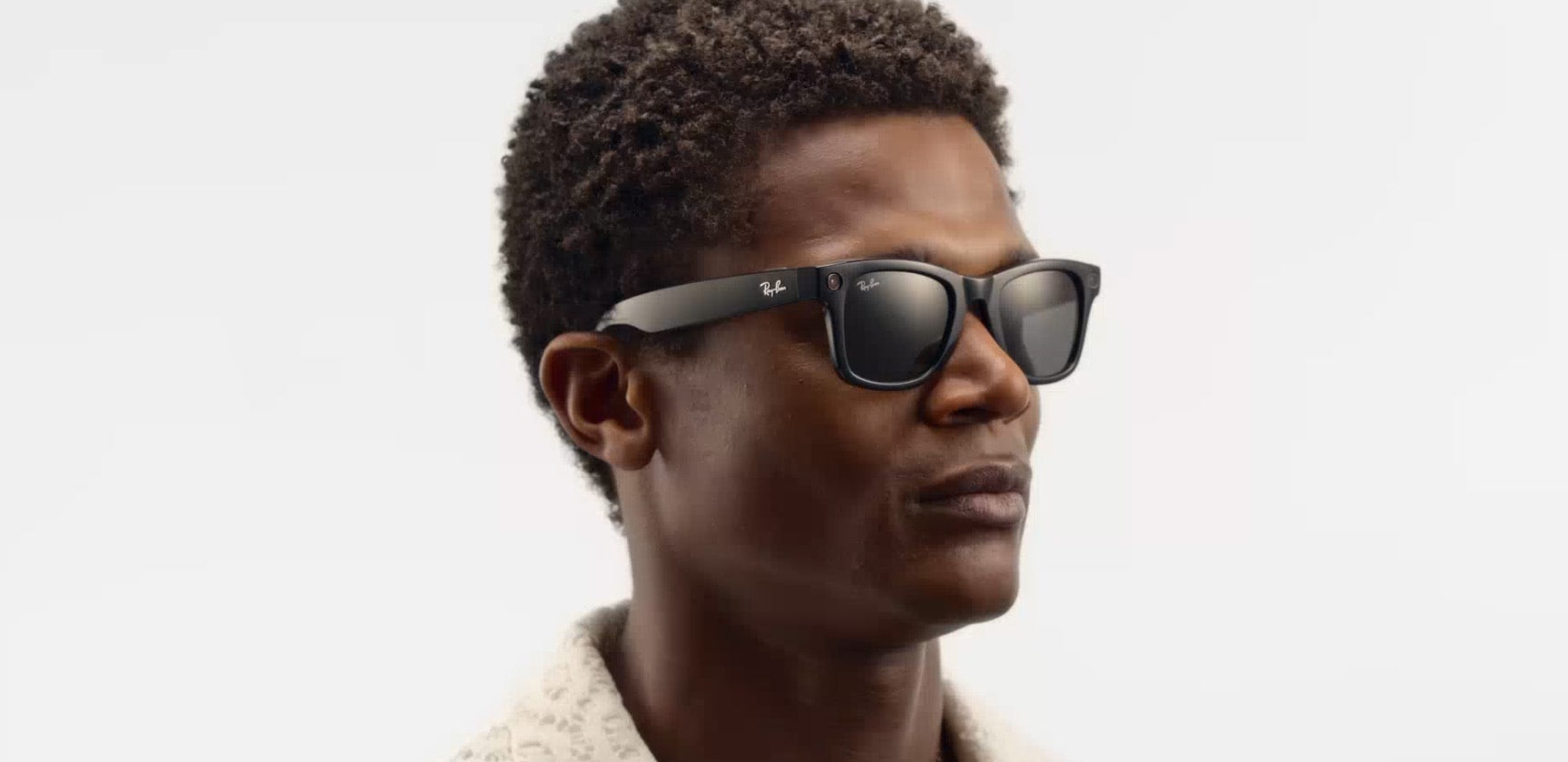
Touch control
Play your music, activate the camera, or connect with someone – all in a single touch with the hyper-responsive touchpad and capture button.
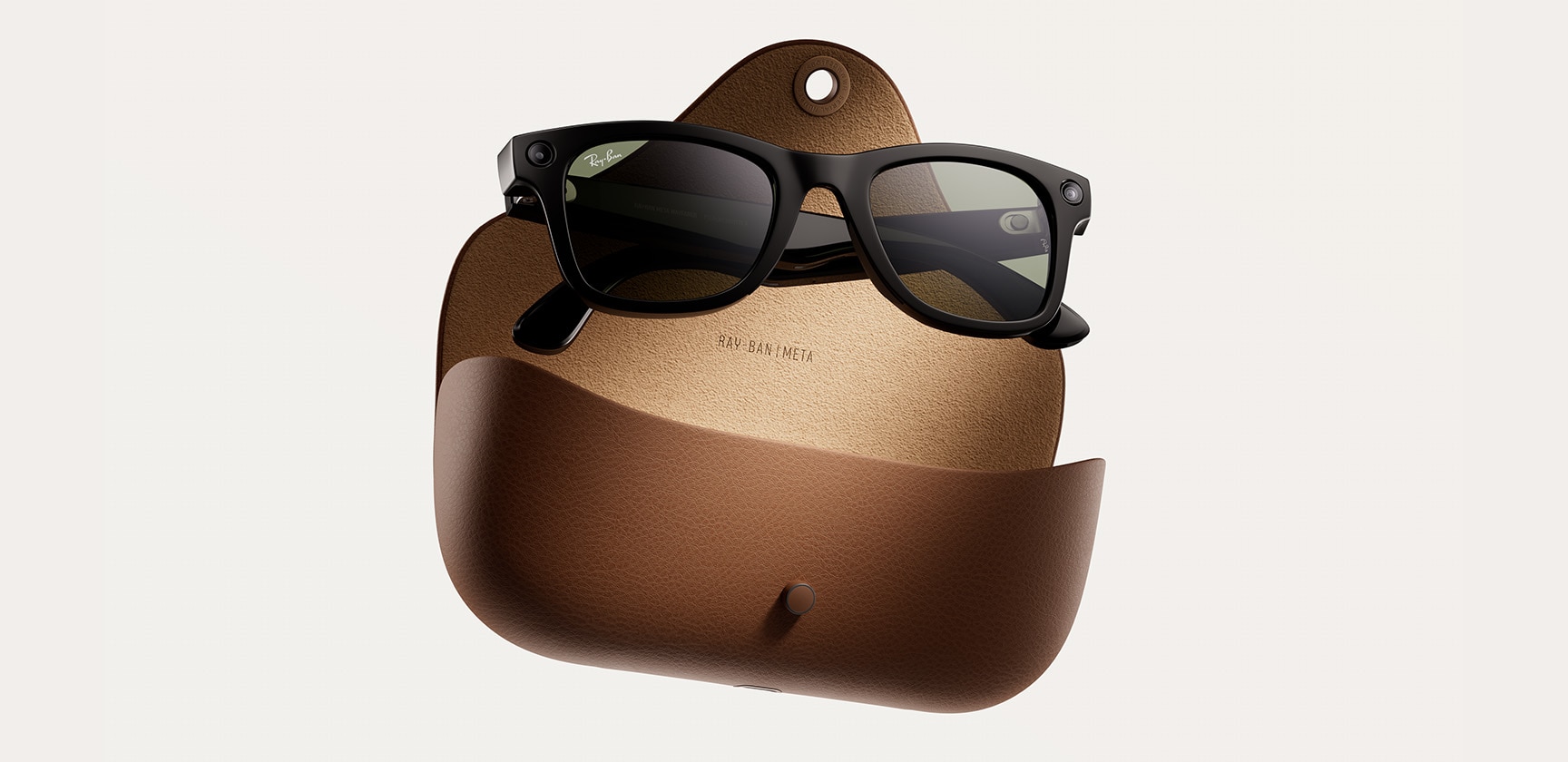
Better charge and battery life
Focus on your day without interruption thanks to four hours of battery life, plus a portable charging case*, now with up to eight charges.*To reduce waste, we ship the Ray-Ban Meta collection without a charging cable. Visit our FAQ for cable and adapter information.

Companion app
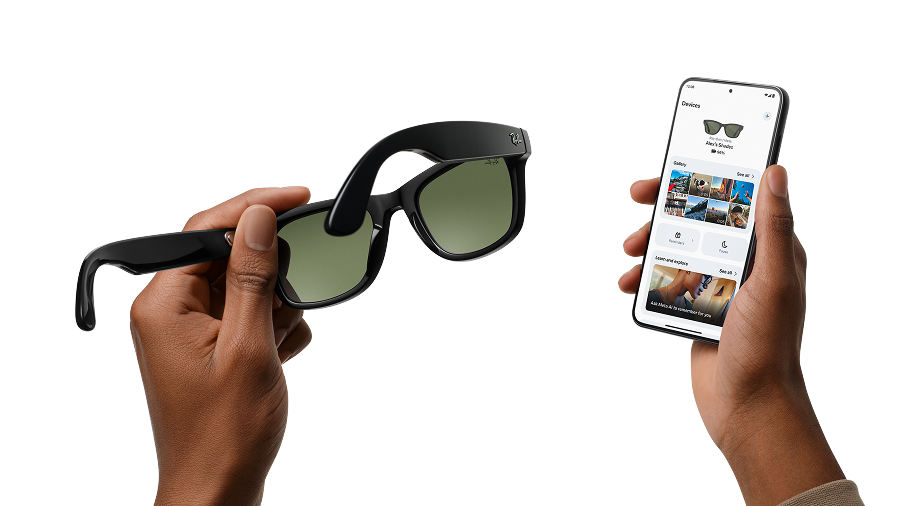
The Meta View app enhances the experience of your glasses. Pair multiple glasses to your phone, discover key features via a new Home tab, and easily share content with friends.
Meta account required.


The Highlights: Generation 1 vs. Generation 2
Compare the key performance details of the first and second release. See what’s been added and enhanced in the new collection.
Generation 1
Generation 2

Meta AI(1,2)
Voice responses
Live AI (US/CA)
Text translation
Live translation
Meta AI(1,2)
Voice responses
Live AI (US/CA)
Text translation
Live translation

Video resolution(3) 1080 px +
Default portrait capture
(social upload friendly)
3024 x 4032 px
Adjustable stabilization for 1080p+ 30fps videos
Up to 60fps at 1080p
Video resolution(3)
Up to 3K at 30 FPS
Default portrait capture
(social upload friendly)
3024 x 4032 px
1080p+ 30fps videos
Up to 60fps at 1080p
10% faster transfer time
from glasses to phone

133 gr
Up to 4 hours of use on a single charge(4,5)
Additional 32 hours with charging case
133 gr
Up to 8 hours of use on a single charge(4,5)
Additional 48 hours with charging case

2 custom-built speakers (open ear)
Custom 5-mic array with immersive audio recording
4 hours continuous phone calls
2 custom-built speakers (open ear)
Custom 5-mic array with immersive audio recording
Up to 5 hours
continuous audio
continuous audio
5.5 hours continuous phone calls

100+ videos (30s)
500+ photos (3 frame burst)
Video capture: 1440 x 1920 px 30 fps
100+ videos (30s)
1000+ photos (3 frame burst)

Bluetooth 5.3
Wifi 6
Bluetooth 5.3
Wifi 6

Water resistance
IPX4
IPX4
Water resistance
IPX4
IPX4
Get support
STILL GOT QUESTIONS?
We’ve got the answers!
To pair your glasses, open the Meta View app and make sure you're logged in to your Meta account. If you already have glasses paired to the Meta View app, go to Settings and tap the "Add Device" button on the top right. Then:
- 1. Select either Ray-Ban Stories or Ray-Ban Meta and proceed until you reach bluetooth pairing (bluetooth permissions must be granted) stage.
- 2. Make sure your glasses are turned on and placed in the case.
- 3. Press and hold the pairing button on the back of the case for 5 or more seconds. Release when the case LED pulses a blue light.
- 4. Your glasses should automatically appear in the app when they're ready to pair."
You can choose standard shipping or you can collect in store at one of our partner locations.
To operate Ray-Ban Meta AI Glasses you need to connect your glasses with a smartphone and the Meta View app. Here’s the complete checklist:
- - Smart phone with a recently released operating system: Android 10 and above (with location services enabled) or iOS 14.4 and above. See complete list of supported phones here
- - Wireless internet access
- - USB-C charging plug (if charging from a power outlet and not directly from a USB point)
- - A valid Meta account
- - Meta View app (downloadable from your App store here or by scanning this QR code)
Your Ray-Ban Meta AI Glasses come with the following accessories and user manuals:
- - Charging case
- - Quick Start Guide
- - Safety & Warranty Guide (also downloadable here)
- - Instructions for ordering Prescription lenses
- - Cleaning cloth
WHEN YOU FIRST UNBOX YOUR RAY-BAN AI GLASSES:
- 1. Remove the plastic tab between the case and the glasses
- 2. Make sure your glasses are redocked inside the case
- 3. Wait until the LED light starts flashing blue
- 4. Your device is now ready to pair
MANUALLY:
- 1. Place your glasses inside the case
- 2. Press and hold the button on the back of the case for at least 5 seconds
- 3. Wait until the LED light starts flashing blue
- 4. Your device is now ready to pair
PAIRING YOUR AI GLASSES WITH YOUR PHONE:
- 1. Download the Meta View app from your app store and log in using your Meta account.
- 2. Turn on the Bluetooth setting on your phone.
- 3a. Start by turning on your glasses. Slide and hold the power switch towards the lens until the notification LED starts blinking white, then release it. The notification LED blinks white while your glasses turn on, which can take up to a minute. When the notification LED turns solid green, you're ready to continue. (If you can’t complete this step, continue to 3b, otherwise move on to step 4).
- 3b. Your glasses need to be fully charged before pairing. If you need to charge your glasses, place them inside the charging case and connect the case to a power source before moving on to step 4.
- 4. Put your glasses into Bluetooth pairing mode. Fold both arms and hold the capture button on top of the frames down for 12 secs until the LED on the inside of the frames starts blinking blue. Your glasses will appear in the app when they're in pairing mode, which can take up to 10 seconds.
- 5. Continue following the instructions in the Meta View app to finish setting up your glasses.
- 6. Enjoy exploring your world in a new way with the Ray-Ban Meta collection.
For illustrated set up instructions, please refer to the Meta View app.
Your Ray-Ban Meta glasses have a different charge lifecycle based on the
generation.
- 1) Ray-Ban Meta: Fully charged glasses last up to 4 hours for moderate usage and up to 3 hours with continuous audio streaming and voice assistance. This may vary with use and other factors.
- 2) Ray-Ban Meta gen 2: Fully charged glasses last up to 8 hours for moderate usage and up to 5 hours with continuous audio streaming and voice assistance. This may vary with use and other factors.
Ray-Ban Meta gen 2 is an upgraded version of Ray-Ban Meta, offering
improvements in video quality, battery life and smart features:
- 1) Better Video Quality - Ray-Ban Meta gen 2 captures at 2203 x 2938 (6.5MP) vs 1360 x 1880 (2.6MP) on Ray-Ban Meta.
- 2) Longer Battery Life - Ray-Ban Meta gen 2 has a battery life of 8 hours (vs 4 hours on Ray-Ban Meta). - Ray-Ban Meta gen 2 has 19 hours of standby (vs 12.5 hours on Ray-Ban Meta). - Ray-Ban Meta gen 2 has 5.3 hours of calling (vs 4h on Ray-Ban Meta) and 5 hours of music playback (vs 3.5h on Ray-Ban Meta).
- 3) Style & Product Range: same styles and fit options (Wayfarer Regular and Large sizes, Headliner high and low bridges, Skyler).