





















Hero Image

Performance AI Glasses

Oakley and Meta have joined forces to create AI Glasses
built on Athletic Intelligence, designed for athletes who
push the limit.

Scroll to discover

Meta AI

Empowers athletes with hands-free access to answers, playlists, and more. From getting ready to getting out there, you can take your game to the max.

Hands-free capture

Take videos or photos from your unique POV to get all your highlights.

Immersive Audio

Listen to Spotify, Apple Music, and more with just a “Hey Meta” or a tap. Queue up your favorite playlist, podcast, and more, hands-free.

Discover what Oakley Meta AI can do

Video cover

“Hey Meta, how strong is the wind today”

Get real-time insights with a simple voice command to help you stay focused and perform your best.

Video cover

“Hey Meta, how am I doing?”

Meta AI helps athletes who want to lock in and take their training and performance to the next level with Garmin and Strava.

*Compatible Garmin device sold separately
*Separate Strava account required.

Video cover

“Hey Meta, take a photo and send it to Renato”

Capture the moment hands-free with a simple voice command and instantly send it to the ones who matter most.

Video cover

“Hey Meta, start autocapture”

Using only your voice, you can automatically capture footage synced to your workout stats and stay fully immersed in your workout.

*Garmin required, sold separately.

Video cover

“Hey Meta, play my music”

Effortlessly start your music and move through every moment surrounded by sound.

Video cover

“Hey Meta, take a video”

Hands-free video recording makes it easier than ever to capture every moment while you’re on the move.

Caphighlighs Livestreamture

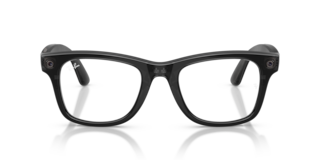
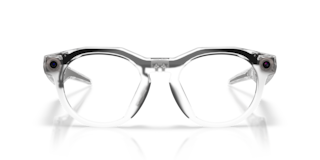
Oakley Meta HSTN

Built for everyday

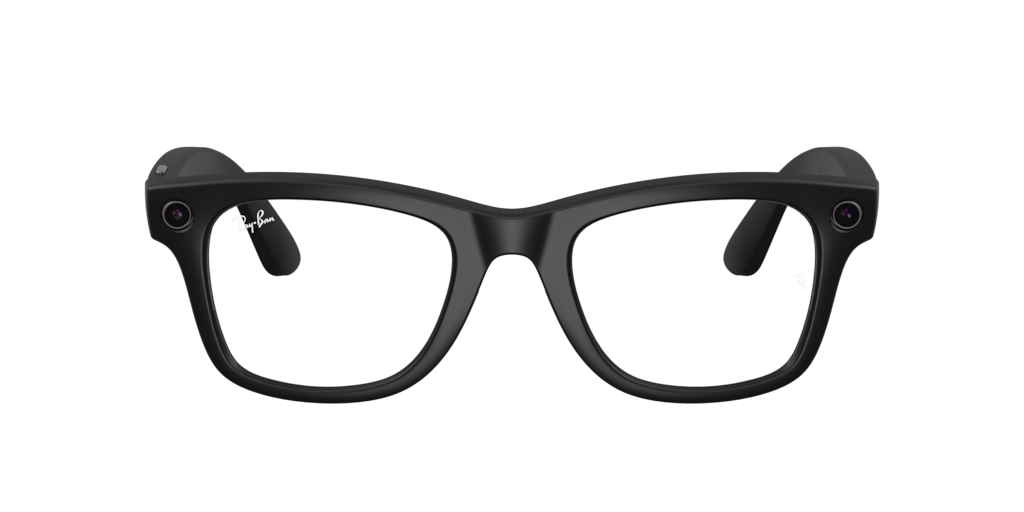
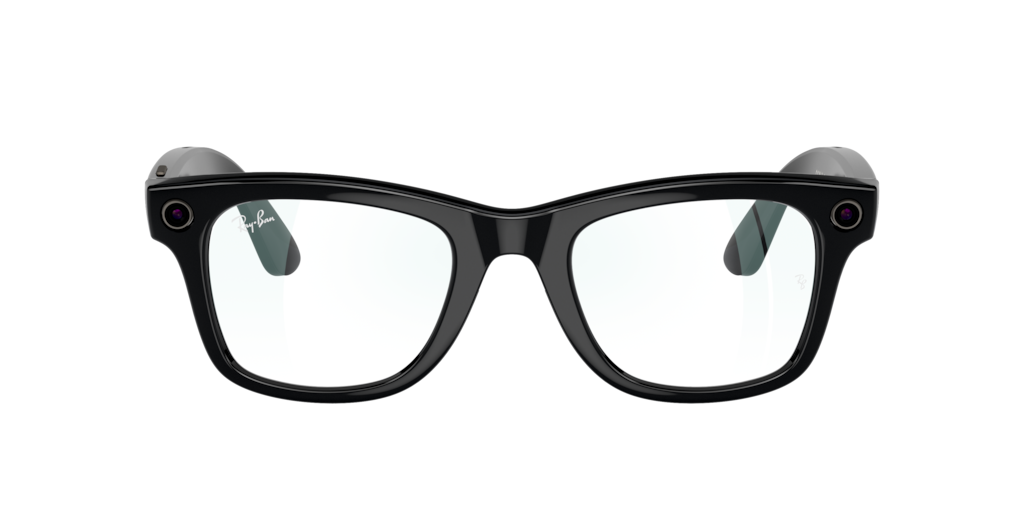
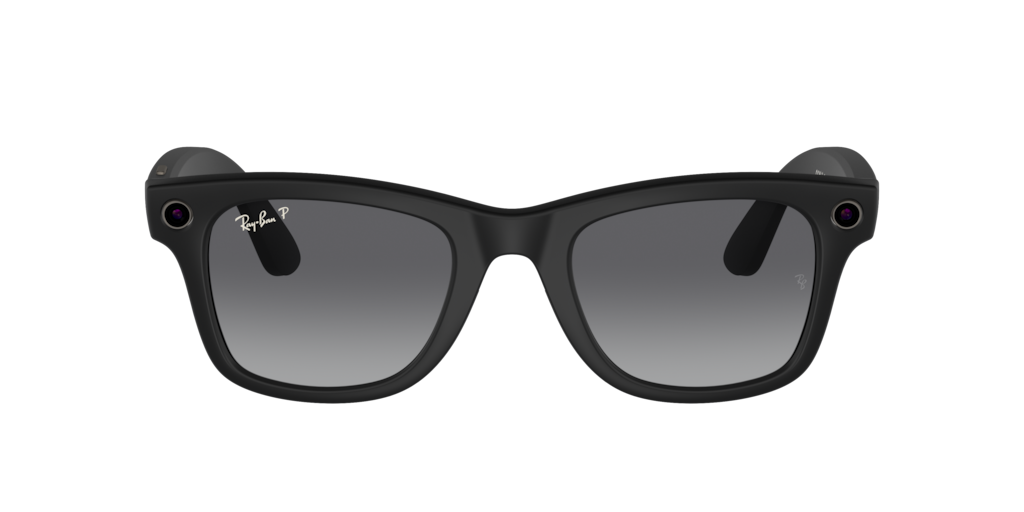
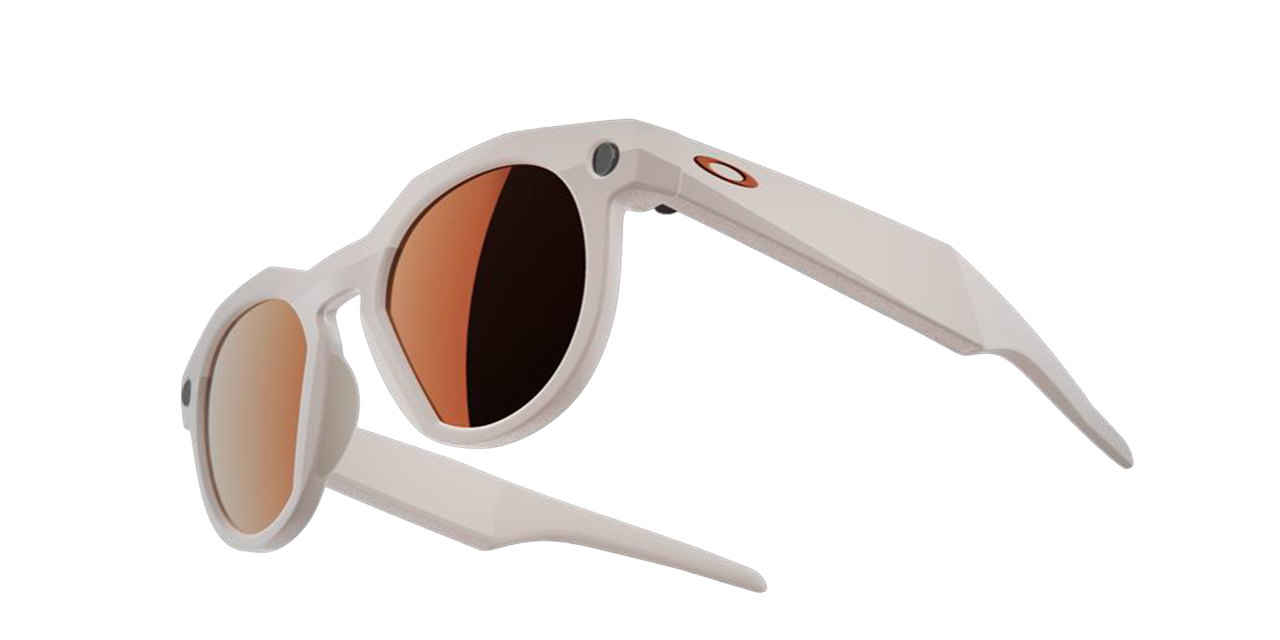
Oakley Meta HSTN is here to change sports eyewear. Capture your unique POV with a built-in hands-free camera, enjoy your favorite music with powerful speakers, and say “Hey Meta” and get answers quickly with Meta AI.

Mix & Match

Create your perfect Oakley Meta HSTN. Choose from a selection of exclusive color, lens, and frame combos.

Advanced lens options

Precision prescription lenses crafted to your vision, or paired with Transitions® that shift with the light so you can see sharp from PBs to parties. Built tough, tailored for every condition, and ready to push limits.

Capture

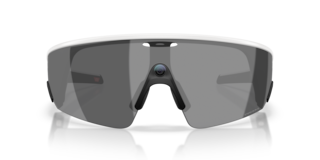
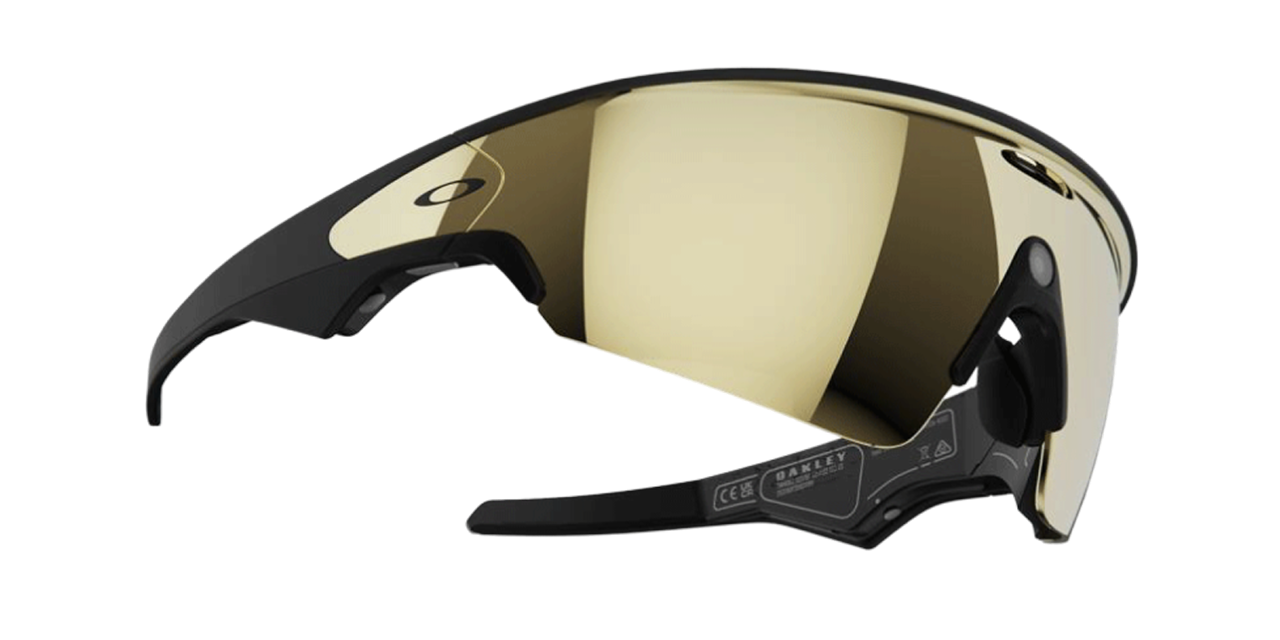
Oakley Meta Vanguard

Built for sport

Designed to withstand all conditions, with a rugged full-wrap lens for an expanded field of view and bike helmet compatibility. Grippy temple tips and replaceable nose pads deliver unbeatable comfort and stability no matter the move.

Action button

The customizable action button puts Meta AI, hyperlapse, voice messages, and more at your fingertips – one tap, zero friction.

Sport tech integration

Pair your Oakley Meta Vanguard with a Garmin* device and get real-time performance stats through the glanceable indicator inside the frames, visible only to you. *Garmin device sold separately.

More than waterproof

With an IP67 rating for dust and water resistance and a battery life offering 9 hours of normal use across a range of temperatures, Oakley Meta Vanguard is sweatproof, weather-tough, and built to handle any challenge.

Discover our Oakley Meta frame styles

Explore Oakley Meta HSTN, available with your prescription, and Oakley Meta Vanguard.

SHOP NOW

Our lenses

Oakley Meta HSTN offers a wide range of high-performance lenses such as PrizmTM, PrizmTM Polarized, Transitions®, clear and prescription. Oakley Meta Vanguard features PrizmTM lenses.

Features

Unleash the potential of Performance AI glasses.

Video cover
Video cover

HANDS-FREE CAPTURE

Capture your point of view

With the hands-free 12MP camera built right into the frames, you can document the action from your unique point of view.

HANDS-FREE CAPTURE

Capture your highlights

With autocapture, you can capture authentic videos without ever breaking your concentration or taking out your phone.

Video cover

IMMERSIVE AUDIO

Keep your head in the game

Stay focused and aware with Oakley Meta HSTN’s built-in open-ear speakers, which let you hear your surroundings while enjoying audio.

IMMERSIVE AUDIO

All-terrain speakers.

Wind noise reduction provides crystal clear communications while on calls, messaging or using voice controls

Video cover

SEAMLESS SHARE

Stay connected. Wherever.

Take calls, send messages, and even start video calls directly from your glasses.

SEAMLESS SHARE

Sports Tech Integration

Meta AI has teamed up with top fitness technology brands, Garmin and Strava, so you can get even more out of your workouts.

*Compatible Garmin device sold separately

*Separate Strava account required.

|

Companion app

The Meta AI app enhances the experience of your glasses. Pair multiple glasses to your phone, discover key features via a new Home tab, and easily share content with friends.

Meta account required.

QR Code
Download App Mockup

FAQs | Oakley Meta

Still got questions? We’ve got the answers!

HOW DO I CHECK THE CHARGE LEVEL OF MY GLASSES AND CASE?

Your glasses and case each have a battery that requires charging. You can check the charge level of your devices using the Meta AI mobile app or your charging case.

HOW DO I PAIR MY GLASSES WITH THE META AI APP?

To pair your glasses, open the Meta AI app and make sure you're logged in to your Meta account. If you already have glasses paired to the Meta AI app, go to Settings and tap the ""Add Device"" button on the top right. Then:

  • 1. Select either Oakley Stories or Oakley Meta and proceed until you reach bluetooth pairing (bluetooth permissions must be granted) stage.
  • 2. Make sure your glasses are turned on and placed in the case.
  • - USB-C charging plug (if charging from a power outlet and not directly from a USB point)
  • 3. Press and hold the pairing button on the back of the case for 5 or more seconds. Release when the case LED pulses a blue light.
  • 4. Your glasses should automatically appear in the app when they're ready to pair.

WHAT'S INCLUDED WITH MY OAKLEY META GLASSES?

Your Oakley Meta glasses come with the following accessories and user manuals:

  • Charging case
  • Quick Start Guide
  • Safety & Warranty Guide (also downloadable here) [link "here" to the Safety & Warranty Guide]
  • Instructions for ordering Prescription lenses
  • Cleaning cloth

WHAT CAN I DO WITH “HEY META”?

You can use "Hey Meta" to answer questions in-the-moment, get information, spark creativity and express yourself hands free, while also taking photos and videos, calling, messaging, controlling media and volume.